
Top 12 Python PDF Libraries for High-Fidelity RAG Systems
Discover the 12 best python pdf libraries for text extraction, table parsing, and PDF generation to improve retrieval in your RAG systems. Code included.
In Retrieval Augmented Generation (RAG), the quality of retrieval is a direct function of how well you parse your source documents. Poorly extracted text from PDFs leads to fragmented context, mangled tables, and lost metadata, directly crippling your AI's ability to find relevant information and generate accurate answers. The difference between a high-performing RAG system and a frustratingly inconsistent one often comes down to a single, critical choice: which python pdf libraries you use to build your ingestion pipeline.
This guide moves beyond generic feature lists to provide actionable insights for enabling improved retrieval. We focus specifically on how certain libraries excel at the nuanced tasks of text extraction, layout preservation, and metadata enrichment—all essential for creating high-fidelity chunks that maximize retrieval accuracy. A fundamental requirement for any RAG pipeline is the ability to effectively extract information from PDF documents, a task where the right library is indispensable for maintaining the integrity of the source data.
This curated list dives deep into 12 essential tools, from high-speed, layout-aware parsers like PyMuPDF to specialized table extractors such as Camelot. We will explore how to select and combine these libraries to build a robust data processing workflow that turns complex PDFs—be they financial reports, dense academic papers, or structured manuals—into retrieval-optimized assets for your vector database.
1. ChunkForge
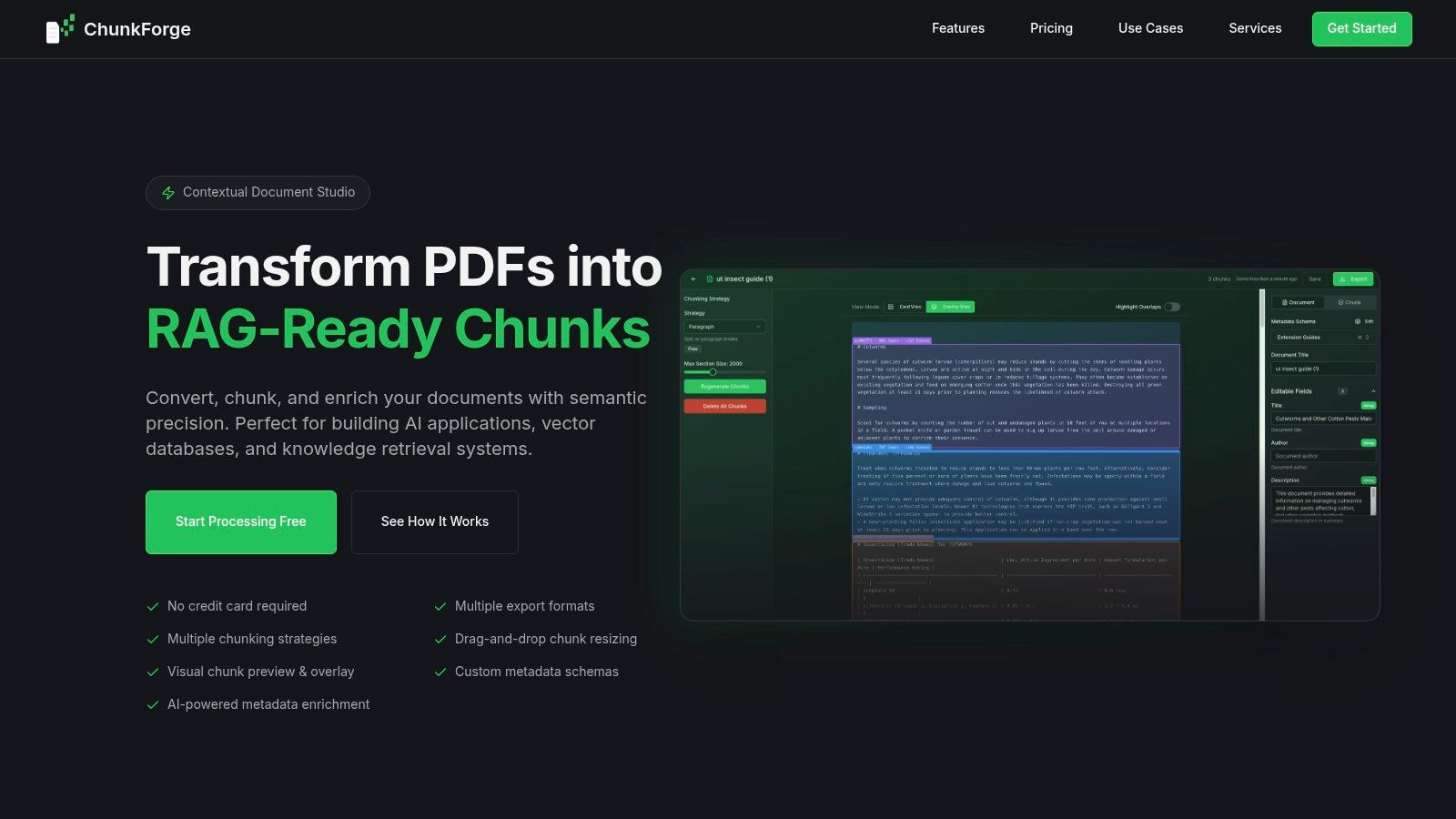
While not a traditional Python PDF library, ChunkForge is a specialized platform for the most critical step in preparing content for Retrieval-Augmented Generation (RAG): transforming raw extracted text into retrieval-optimized chunks. It operates as a dedicated "contextual document studio," addressing the core challenge of how to segment documents to maximize retrieval relevance. It moves beyond simple text extraction to focus entirely on creating high-fidelity, traceable, and metadata-rich chunks ready for vectorization and ingestion by LLM frameworks.
For AI engineers building RAG systems, its primary value is enabling rapid experimentation and visual validation of chunking strategies. Instead of writing complex Python scripts to test different segmentation methods, users can upload extracted text and immediately see how semantic, heading-based, or table-aware splitting divides the content. This visual overlay, which maps every chunk back to its source, is a powerful debugging tool that drastically shortens the feedback loop for fixing context fragmentation and improving retrieval accuracy.
Key Capabilities for Improving Retrieval
ChunkForge excels by providing granular control over the chunking process, which is essential for maximizing retrieval accuracy. Instead of relying on a single, one-size-fits-all approach, it allows for a multi-strategy workflow.
- Advanced Chunking Strategies: Go beyond basic paragraph splits with semantic chunking to keep conceptually related sentences together, or use heading-based chunking to preserve the document's inherent structure. All strategies include fine-grained controls for window size and overlap, directly impacting retrieval performance.
- AI-Powered Metadata Enrichment: Each chunk can be automatically enriched with AI-generated summaries, keywords, and custom typed JSON schemas. This structured metadata makes retrieval far more precise, enabling filtered queries that a simple vector search cannot accomplish.
- Visual Debugging and Refinement: The platform's core strength is its interactive interface. You can see precisely where a chunk begins and ends on the original PDF, identify awkward splits, and manually resize or merge chunks with a simple drag-and-drop action to fix bad context boundaries.
- Flexible Export and Integration: Outputs are tailored for direct ingestion into vector databases and LLM frameworks. The data can be exported in formats ready for a Python-based pipeline, reducing the need for extensive post-processing scripts.
Our previous chunking methods were feeding incorrect context to the LLM... Being able to visualize our chunks and adjust boundaries in real-time showed us exactly where context was breaking.
- ChunkForge Customer Feedback
Access and Self-Hosting
ChunkForge offers a straightforward, usage-based model with a free trial. For teams requiring full data sovereignty or operating in highly regulated environments, the platform is fully open-source and can be self-hosted via Docker. This dual-access model makes it adaptable for both individual developers and larger organizations.
- Pros:
- Precise, flexible chunking: Multiple strategies with adjustable parameters to optimize retrieval.
- Traceability and verification: The real-time visual overlay is invaluable for debugging bad splits.
- Rich metadata generation: AI-powered enrichment enables advanced, filtered retrieval.
- Simple pricing and open source: A clear SaaS plan plus a self-hosting option for full data control.
- Cons:
- Credit-based billing may require careful usage modeling for very high-volume projects.
- Organizations with strict compliance needs may need to self-host and perform their own security validation, as no enterprise certifications are listed publicly.
Website: https://chunkforge.com
2. PyPI (Python Package Index)
While not a library itself, the Python Package Index (PyPI) is the foundational resource for discovering and installing nearly all python pdf libraries. For RAG developers, it is the starting point for assembling a robust document ingestion pipeline. PyPI is where you will find the essential tools for every stage of PDF processing—from pypdf for basic text extraction to specialized libraries like camelot-py for parsing tables—that are critical for preparing high-quality data for retrieval.
The platform’s primary function is to host packages that you can install directly via pip. For RAG engineers, this enables rapid prototyping and iteration. You can quickly test different libraries to see which one best preserves document structure (like headings, lists, and tables) before chunking the content for vectorization. The quality of this initial parsing step directly impacts the relevance of retrieved context.
Key Features for RAG Development
PyPI’s simple interface provides essential metadata for evaluating a library's suitability for production RAG pipelines.
- Release History: The version history is crucial for ensuring reproducible parsing. Pinning package versions (
pip install pypdf==4.2.0) guarantees that your document parsing and chunking logic remains consistent across all environments, preventing silent degradation of retrieval quality. - Project Links: Each package page links to its source code repository (e.g., GitHub) and official documentation. This allows you to vet the library's maintenance activity, review open issues, and access detailed API references—critical for debugging complex PDF parsing failures.
- Authoritative Source: It is the canonical, free-to-use source, ensuring you are installing legitimate and up-to-date versions of popular libraries like
PyMuPDForpdfplumber.
While PyPI is indispensable, it does not curate packages for quality. The user is responsible for assessing a library's maturity, documentation, and community support before integrating it into a critical data pipeline that feeds a RAG system.
Website: https://pypi.org
3. Anaconda.org (conda-forge and Anaconda channels)
For teams building production-grade RAG systems, environment reproducibility is paramount. Anaconda.org serves as a critical package registry for the Conda ecosystem, hosting pre-compiled binary packages for many essential python pdf libraries. Unlike PyPI, which often requires local compilation that can lead to dependency conflicts, Anaconda channels like conda-forge provide platform-specific builds that simplify installation and ensure identical environments. This is vital for RAG data ingestion, where a minor version mismatch in a dependency could subtly alter parsing behavior and degrade retrieval quality.
The platform hosts popular channels, most notably the community-driven conda-forge. For RAG engineers, using Conda to install libraries like pypdf, pymupdf, or pdfplumber often resolves complex system-level dependency issues, especially for packages that rely on C/C++ libraries. A simple conda install -c conda-forge pypdf command handles the entire dependency chain, creating a more stable foundation for your document processing stack.
Key Features for RAG Operations
Anaconda.org focuses on stability and environmental control, which directly benefits collaborative RAG development and deployment.
- Cross-Platform Binaries: It provides pre-built packages for Windows, macOS, and Linux, eliminating compiler errors during setup. This ensures your data ingestion pipeline runs consistently, regardless of the operating system, producing predictable chunks.
- Reproducible Environments: Conda's
environment.ymlfiles are crucial for RAG systems. They guarantee that the exact versions of all PDF parsing libraries and their dependencies are used in production, preventing unexpected parsing discrepancies that can harm retrieval accuracy. - Channel Metadata: The free-to-use platform shows package version availability, download stats, and license information per channel. This helps you choose between the often more up-to-date
conda-forgeand the more conservatively curatedanacondachannel.
The primary trade-off is that package versions on Anaconda.org can sometimes lag behind the latest releases on PyPI. Teams must balance the need for cutting-edge features against the stability offered by the Conda ecosystem.
Website: https://anaconda.org
4. pypdf (documentation)
The official documentation for pypdf is the go-to resource for one of the most popular pure-Python PDF libraries. Because it has no external dependencies, pypdf offers a lightweight solution for essential pre-processing steps in RAG pipelines. Its strength lies in structural operations like merging, splitting, and rotating pages, as well as straightforward text and metadata extraction, which are foundational for preparing documents for more advanced parsing.
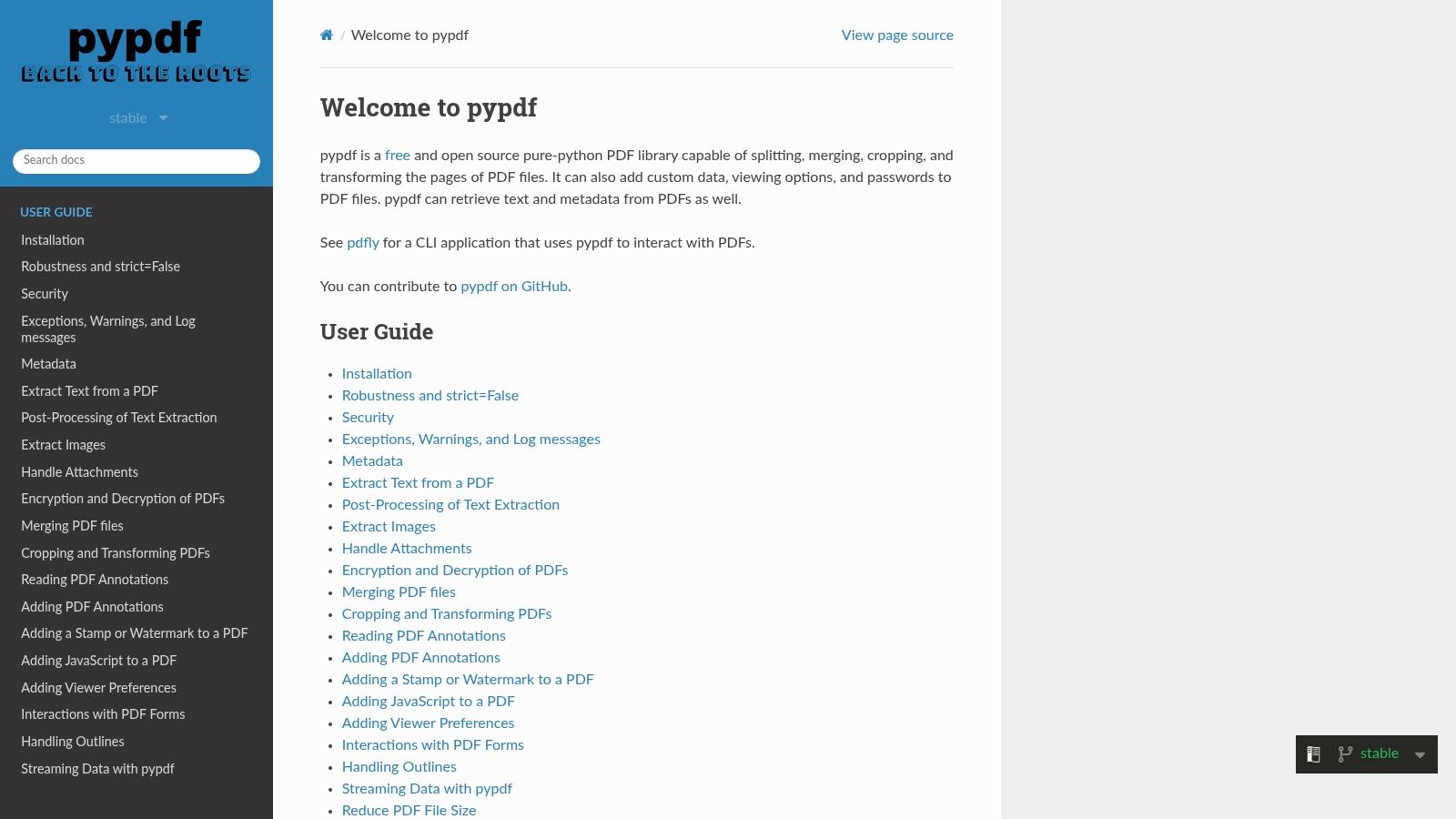
For a RAG system, pypdf is often used as a first-pass tool. For instance, you might use it to programmatically remove irrelevant cover pages or appendices before passing the core content to a more advanced layout-aware parser. This ensures that only high-value content is chunked and vectorized, reducing noise and improving retrieval relevance. The clear code examples make it easy to integrate these pre-processing steps.
Key Features for Improving Retrieval
The pypdf documentation provides practical guidance on features directly applicable to preparing documents for RAG ingestion.
- Pure-Python Implementation: The docs highlight its key advantage: no need for external binaries. This simplifies deployment in containerized environments like Docker, a common setup for RAG services.
- Page-Level Operations: Clear examples demonstrate how to split a large PDF into single-page documents. This can be a powerful pre-chunking strategy, allowing each page to be processed and vectorized as a discrete unit, preserving its original context boundary.
- Metadata Extraction: The documentation shows how to access metadata like author or creation date. This information is invaluable for enriching chunks with contextual data before they are stored in a vector database, enabling more sophisticated filtered queries during retrieval.
While pypdf excels at structural tasks, its text extraction does not preserve complex layouts. For documents where reading order and spatial relationships are critical for retrieval, it should be used as a pre-processing step before a library like pdfplumber or PyMuPDF.
Website: https://pypdf.readthedocs.io
5. PyMuPDF (MuPDF bindings)
For production-grade RAG systems where both speed and parsing accuracy are critical, PyMuPDF is a top-tier choice among python pdf libraries. It provides high-performance Python bindings for MuPDF, a lightweight yet powerful C-based PDF engine. This allows PyMuPDF to parse text, images, and complex layout information with exceptional speed and fidelity, making it ideal for processing large document volumes without sacrificing the quality needed for effective retrieval.
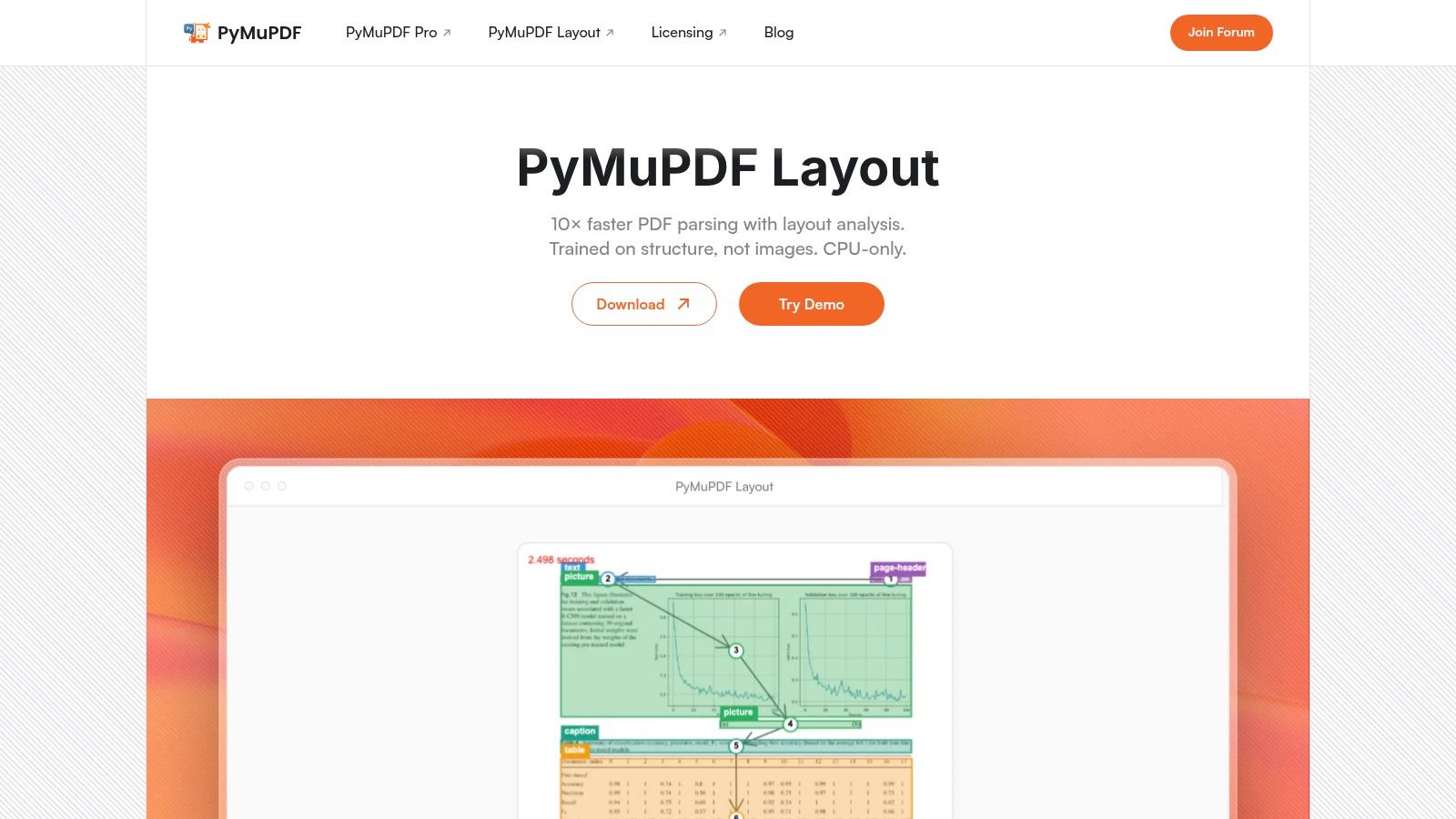
The library’s core strength for RAG is its ability to extract content while preserving structural context. You can retrieve text blocks with their exact coordinates, identify headings based on font size, and reliably separate paragraphs. This level of detail is crucial for advanced chunking strategies that respect a document's semantic hierarchy, leading to higher-quality context for the language model and ultimately improving retrieval accuracy. To explore how to leverage this for better results, you can learn more about advanced PDF parsing in Python.
Key Features for Improving Retrieval
PyMuPDF's combination of speed and layout fidelity makes it a top choice for demanding RAG ingestion workflows.
- High-Performance Parsing: Its C-based backend makes it significantly faster than pure-Python alternatives. This is critical for RAG systems that need to process thousands of documents quickly and cost-effectively without compromising parsing quality.
- Detailed Layout Extraction: The library can extract text in structured formats like blocks (
get_text("blocks")) or dictionaries (get_text("dict")), providing coordinates and font information. This data is invaluable for rebuilding a document's semantic hierarchy before chunking, ensuring context is not broken across headings or paragraphs. - Broad Format Support: Beyond PDF, MuPDF supports XPS, EPUB, and various image formats, allowing you to build a single, unified pipeline for multiple document types, standardizing your data ingestion process.
A key consideration is its licensing. The open-source version is licensed under AGPL, which may require purchasing a commercial license from Artifex for proprietary applications.
Website: https://pymupdf.io
6. ReportLab
ReportLab is a mature and powerful toolkit dedicated to programmatically generating PDFs from scratch. While many python pdf libraries focus on parsing existing documents for RAG ingestion, ReportLab excels at creating complex, data-driven reports, invoices, and charts directly from Python code. Its open-source core library provides a low-level API for drawing text, graphics, and tables onto a PDF canvas, offering granular control over document layout.
Although not used for data ingestion, ReportLab plays a critical role on the output side of a RAG system. For example, a RAG application could synthesize an answer from its knowledge base and then use ReportLab to generate a professionally formatted, branded PDF report containing the summarized findings, complete with charts and tables sourced from the retrieved data. This makes it invaluable for applications that need to deliver structured, presentable outputs rather than just raw text.
Key Features and RAG Use Case
ReportLab provides a clear path from open-source experimentation to enterprise-grade document generation.
- Programmatic PDF Creation: The open-source library gives developers precise control over document elements, perfect for creating dynamic content based on the outputs of a RAG system.
- Commercial Add-Ons (ReportLab PLUS): For more complex workflows, the commercial version introduces Report Markup Language (RML), an XML-based templating language. This allows for a separation of design and logic, enabling non-developers to edit report templates without touching Python code.
- Enterprise Support: The website offers a direct path to commercial licenses and support, ensuring reliability for business-critical document generation pipelines. Pricing for the commercial product is in GBP and scales based on output volume.
While its core strength is generation, not extraction, understanding ReportLab is crucial for engineers building end-to-end systems that must both process and produce high-quality PDF documents.
Website: https://www.reportlab.com
7. pdfplumber (GitHub)
Built on top of pdfminer.six, pdfplumber is a developer-friendly library that excels at extracting precise, layout-aware data from digitally-native PDFs. For RAG pipelines, its ability to interpret the geometric relationships between characters, lines, and tables is invaluable. It is one of the best open-source python pdf libraries for preserving the original document context before chunking, which is essential for high-fidelity retrieval.
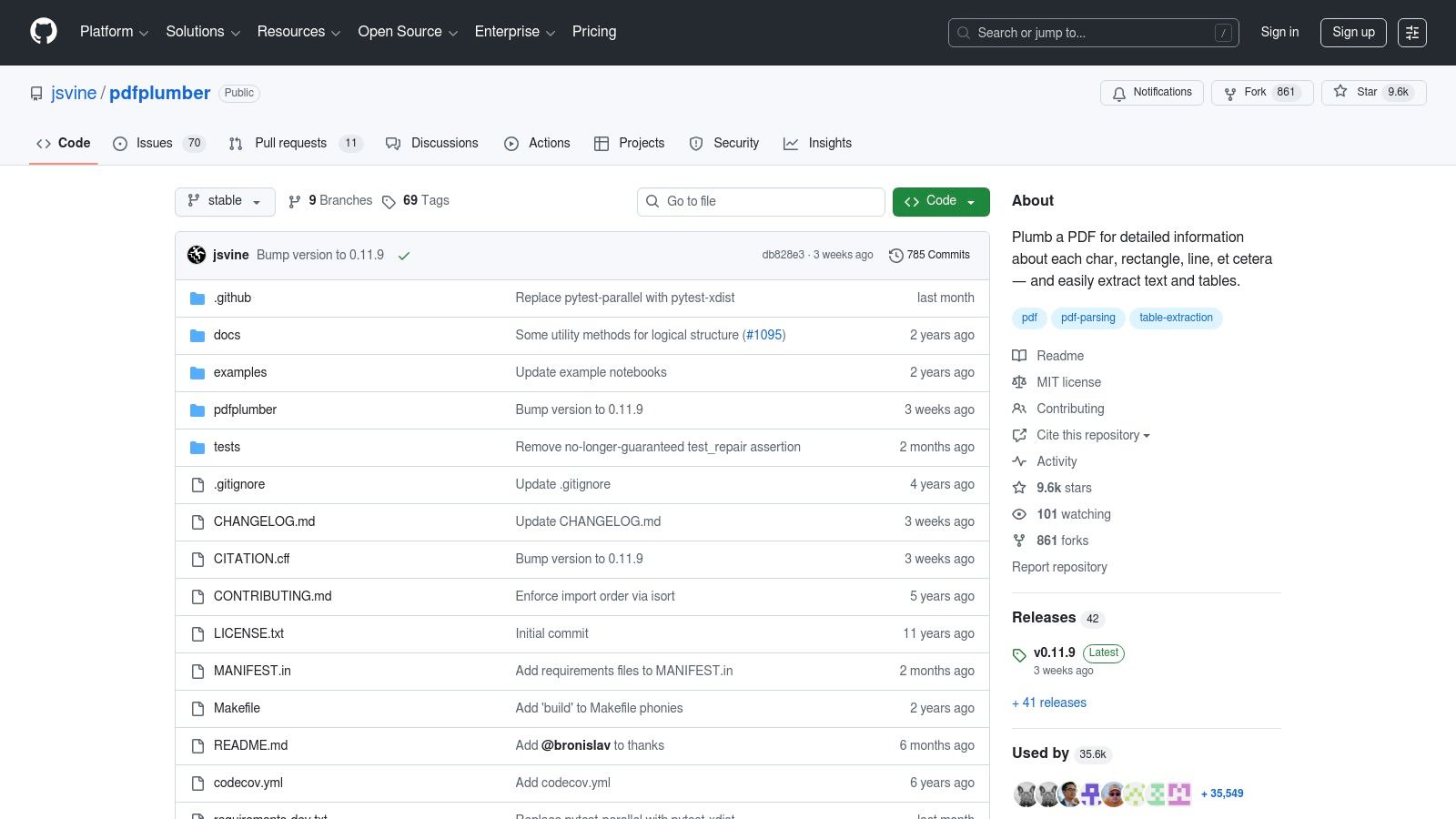
The library's GitHub repository serves as the central hub for its documentation, issue tracking, and community-driven development. It provides access to the source code, allowing engineers to understand its inner workings and contribute fixes. This transparency is crucial for teams building robust, production-grade document processing systems who need to debug complex extraction failures that could otherwise compromise retrieval quality.
Key Features for Improving Retrieval
pdfplumber’s strength lies in its ability to interpret the visual layout of a PDF, which is invaluable for pre-processing documents for RAG.
- Layout-Aware Table Extraction: Its table-finding methods (
.extract_tables()) are highly effective for converting tabular data into a structured format like Markdown. This preserves the relational context of the data far better than simple text extraction, enabling more accurate retrieval of facts and figures. - Visual Debugging: The library includes a
.debug_tablefinder()method that lets you visually inspect how it identifies table boundaries. This is essential for fine-tuning extraction parameters and ensuring your RAG system ingests clean, correctly structured data. - Precise Text Coordinates:
pdfplumberprovides exact coordinates for every character, word, and line, enabling advanced chunking strategies based on semantic proximity or document layout, which can significantly improve retrieval relevance.
While it excels with digitally created documents, pdfplumber lacks built-in OCR and is not suitable for scanned or image-based PDFs without a pre-processing step. Its focus is on extraction rather than creation; for programmatic document creation, you can explore how to generate a PDF with Python using other tools.
Website: https://github.com/jsvine/pdfplumber
8. pdfminer.six (GitHub)
As the community-maintained fork of the original PDFMiner, pdfminer.six is a foundational pure-Python library focused exclusively on text and layout analysis. It excels at extracting not just the raw text from a PDF, but also its structural metadata, such as character coordinates, font sizes, and text orientation. This granular level of detail makes it a critical tool for RAG systems that need to reconstruct a document's semantic layout to create more intelligent, context-aware chunks.
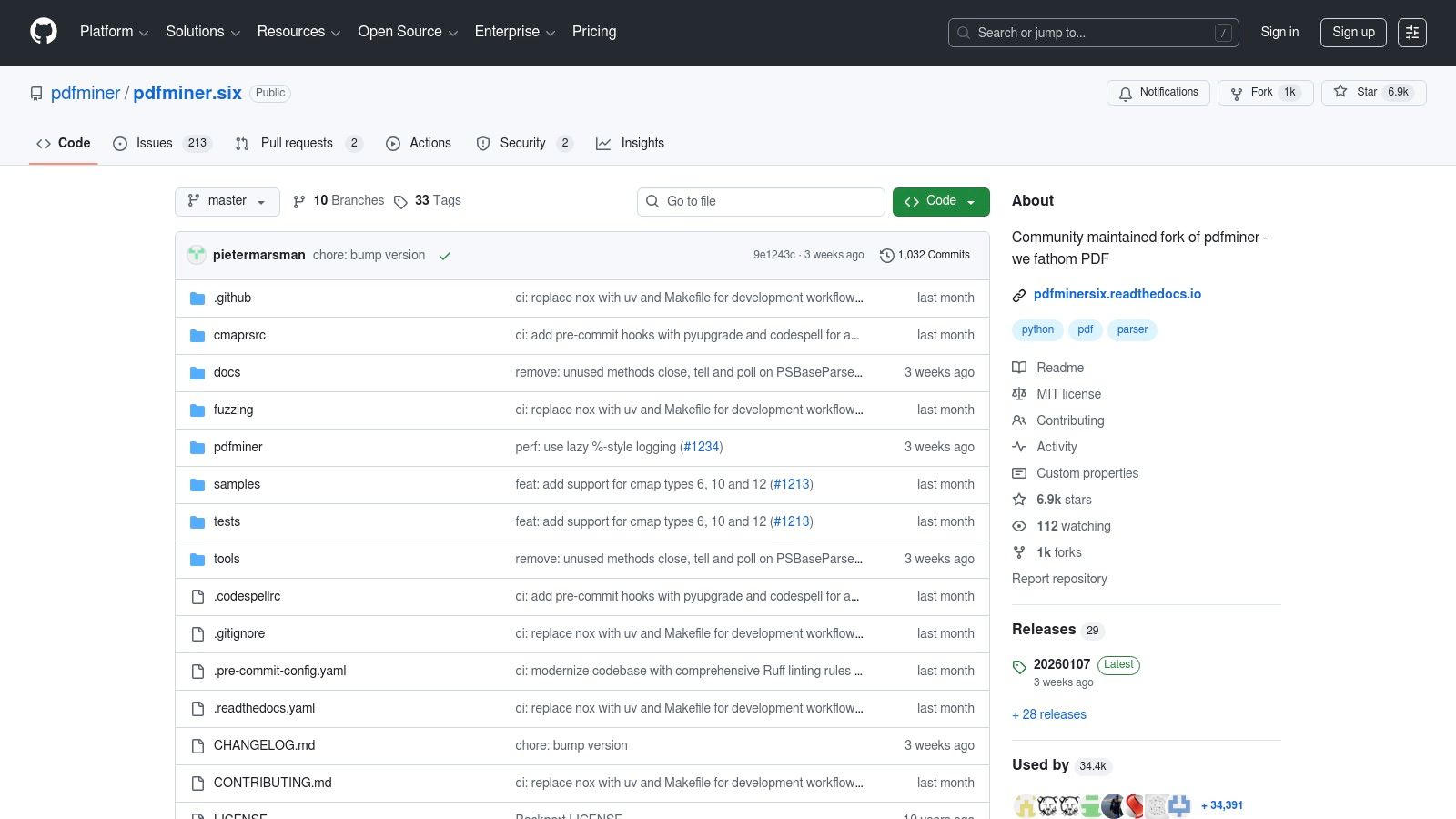
Many higher-level python pdf libraries, including pdfplumber, are built on top of pdfminer.six, using its powerful parsing engine as their core. For developers building custom ingestion pipelines, directly using pdfminer.six offers maximum control over the parsing process. Its modular architecture allows you to create custom processing flows that can, for instance, group text blocks based on font styles to identify headers or use character coordinates to isolate footnotes and marginalia before chunking, preventing context contamination.
Key Features for Improving Retrieval
The library's strength lies in its low-level access to the PDF's internal structure, which is invaluable for advanced document pre-processing in RAG.
- Detailed Layout Extraction: It provides precise coordinates for every text character and line. This enables sophisticated chunking strategies where you can geometrically segment a page, group visually aligned text, or differentiate between main content and sidebars to improve context quality.
- Font and Style Analysis: Access to font names and sizes allows you to programmatically identify headings, subheadings, and body text. This information is vital for creating hierarchical chunks that respect the document's semantic structure, leading to better retrieval context.
- Pure-Python Architecture: Its dependency-free, pure-Python nature makes it easy to install and debug. You can directly inspect the source code on GitHub to understand its parsing logic, which is crucial when troubleshooting complex PDFs that cause retrieval issues.
While its performance may not match compiled libraries like PyMuPDF for sheer speed, pdfminer.six offers unparalleled control for developers who need to build custom, layout-aware parsing logic to maximize retrieval accuracy in their RAG pipelines.
Website: https://github.com/pdfminer/pdfminer.six
9. pikepdf (Read the Docs)
pikepdf is a powerful, low-level Python library that acts as a friendly wrapper around the battle-tested QPDF engine. Its primary strength lies not in text extraction, but in robust PDF manipulation and repair. For Retrieval-Augmented Generation (RAG) pipelines, pikepdf is the go-to tool for pre-processing problematic PDFs that other libraries fail to open or parse correctly, ensuring a higher success rate for your data ingestion workflows and preventing data loss at the source.
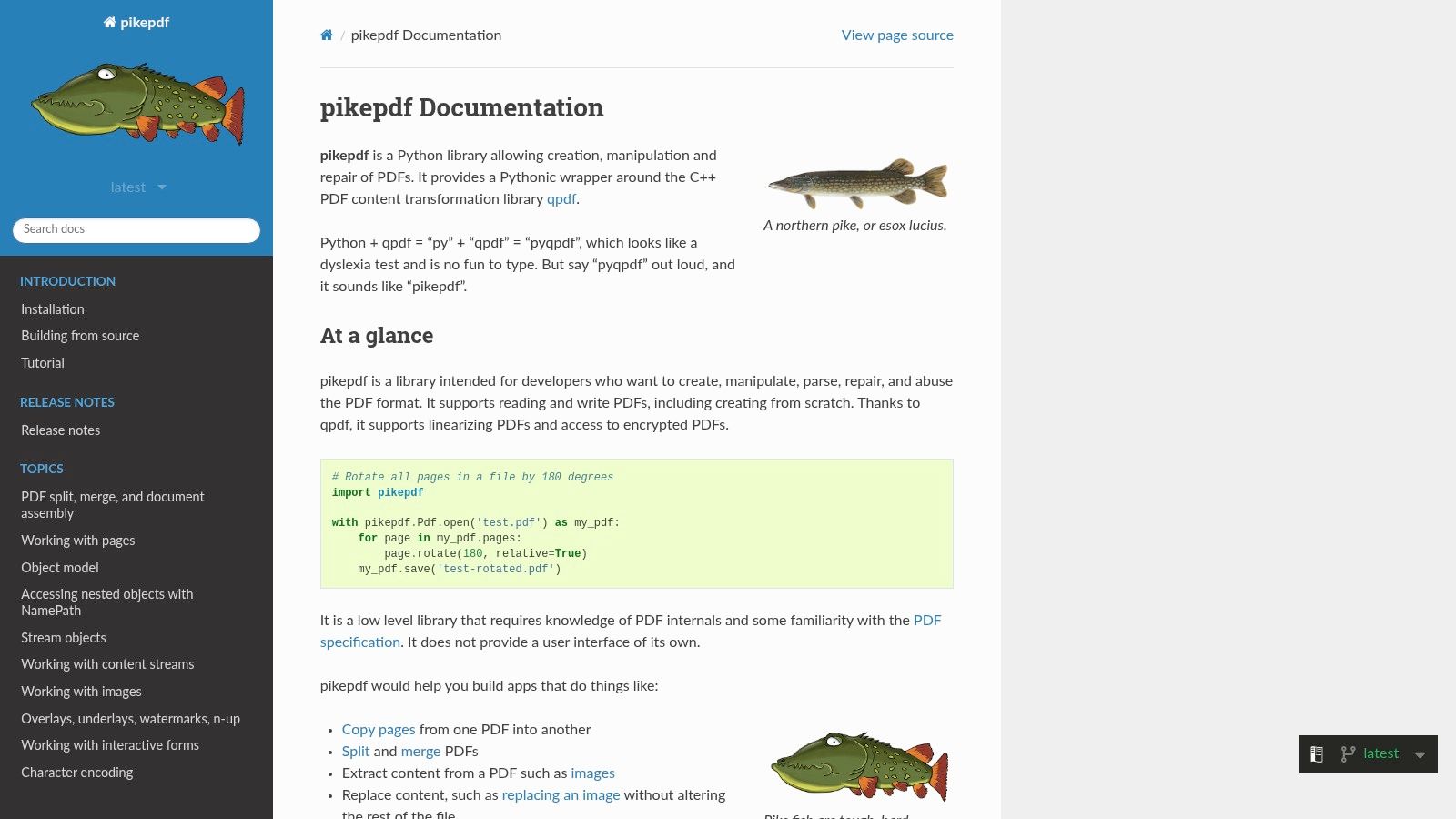
This library excels at tasks like splitting large documents, merging multiple files, removing or reordering pages, and handling password-protected files. Before passing a PDF to a higher-level extraction library like PyMuPDF or pdfplumber, you can use pikepdf to programmatically repair corrupted files or remove encrypted restrictions, significantly reducing parsing failures downstream that would otherwise lead to gaps in your knowledge base.
Key Features for Improving Retrieval
The official documentation on Read the Docs is a comprehensive resource that details its capabilities for preparing documents for RAG systems.
- PDF Repair and Pre-processing: Its core RAG use case is as a first-pass cleaning tool. You can build a robust ingestion pipeline that first attempts to open a PDF with
pikepdf. If it succeeds, the "repaired" or "sanitized" version can be saved in memory and passed to your primary text extraction library, preventing common errors. - Structural Manipulation: For complex documents,
pikepdfallows you to programmatically remove irrelevant sections like cover pages or appendices before chunking. This ensures your vector database is not populated with noisy, out-of-context content, leading to more accurate retrieval. - Comprehensive Documentation: The Read the Docs site provides clear examples and API references, which are essential for leveraging its lower-level features. The documentation is well-structured, making it easy to find solutions for specific manipulation tasks.
While pikepdf is not a text or table extractor, its role as a pre-processing and repair utility makes it an invaluable component of any production-grade RAG pipeline, ensuring data integrity from the very first step.
Website: https://pikepdf.readthedocs.io
10. borb (GitHub)
borb is a comprehensive, pure Python library designed for both creating and parsing PDF documents, making it a versatile tool among python pdf libraries. Its modern API and extensive examples, hosted on its GitHub repository, provide a strong foundation for developers needing an all-in-one solution. For RAG pipelines, borb's strength lies in its ability to parse text with structural awareness, helping to preserve the semantic context needed for high-quality retrieval.
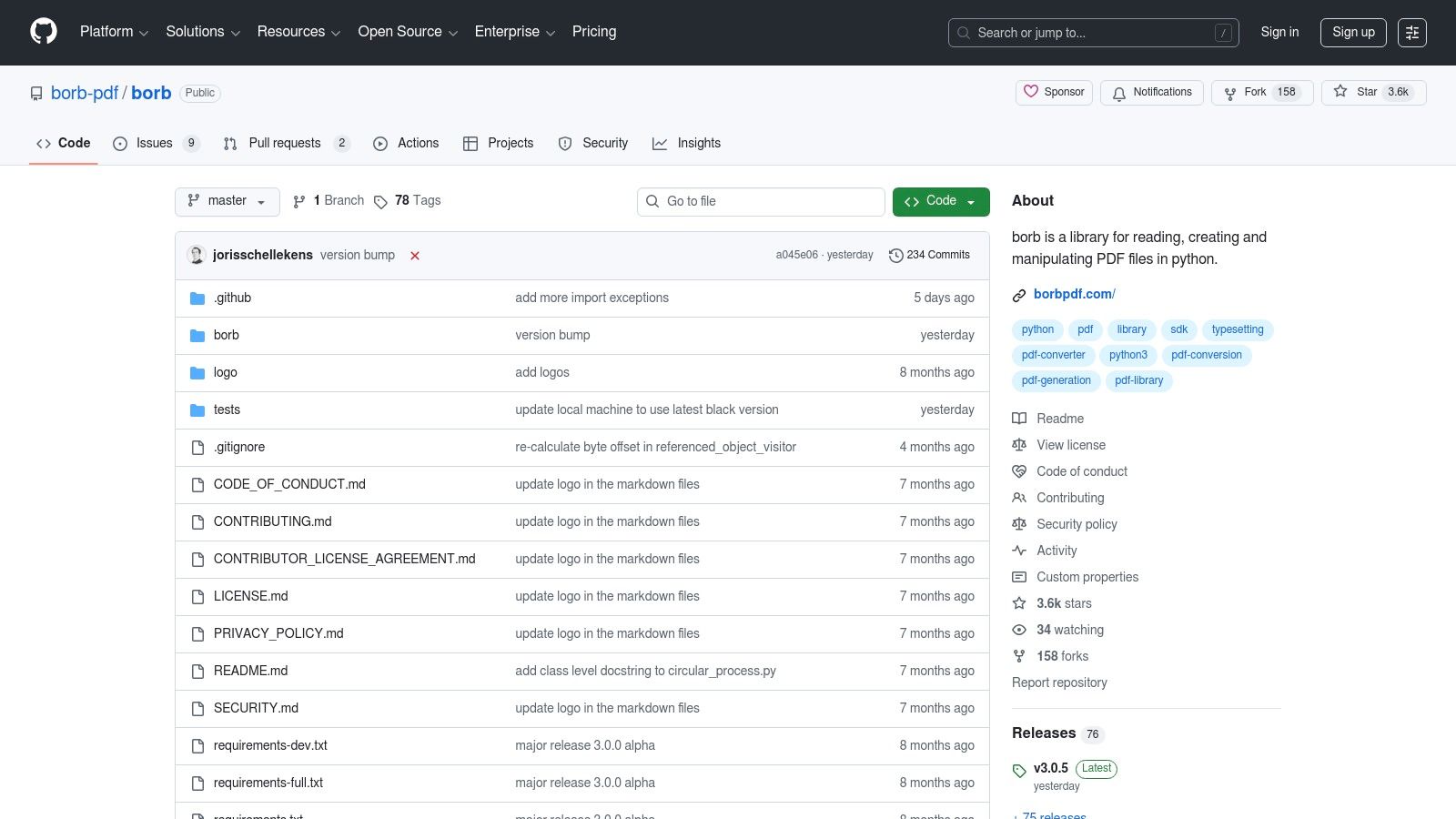
The library’s dual-licensing model (AGPL and commercial) positions it as a powerful option for various projects. While the AGPL license suits open-source applications, commercial use requires a paid license, which is a key consideration for enterprise-level RAG systems. The GitHub repository is the central hub for documentation, issue tracking, and a rich collection of examples that demonstrate its wide-ranging capabilities.
Key Features for Improving Retrieval
borb's feature set covers the full document lifecycle, from creation to detailed analysis, offering unique advantages for improving retrieval quality.
- Advanced Layout Engine: Its sophisticated layout engine allows for the programmatic creation of PDFs with precise control over tables, images, and text flow. This is ideal for generating test datasets to benchmark how well your chunking logic handles complex layouts before deploying it on real-world, unstructured documents.
- Structured Content Extraction: borb can parse text while respecting the document's structure. This capability is crucial for RAG, as it helps preserve the semantic context of headings, lists, and paragraphs, leading to more coherent and contextually relevant chunks for vectorization.
- Dual-Licensing Model: The library operates under a dual AGPL/commercial license. Open-source projects can use it freely under AGPL, but commercial applications that cannot comply with AGPL terms must purchase a license.
While its extensive API offers deep control, it can present a steeper learning curve compared to more specialized extraction-only tools. Its value shines in complex workflows where both PDF generation and parsing are required within the same pipeline.
Website: https://github.com/borb-pdf/borb
11. Camelot
Camelot is a highly specialized Python library designed with one primary goal: extracting tables from PDF documents with high fidelity. For Retrieval-Augmented Generation (RAG) systems that rely on structured data from financial reports or scientific papers, Camelot is an essential tool. It preserves the relationships between rows and columns, which is critical for accurate data representation before chunking and embedding. This focused approach makes it one of the most reliable python pdf libraries for tabular data, preventing the "flattening" of tables into unstructured text that destroys context.
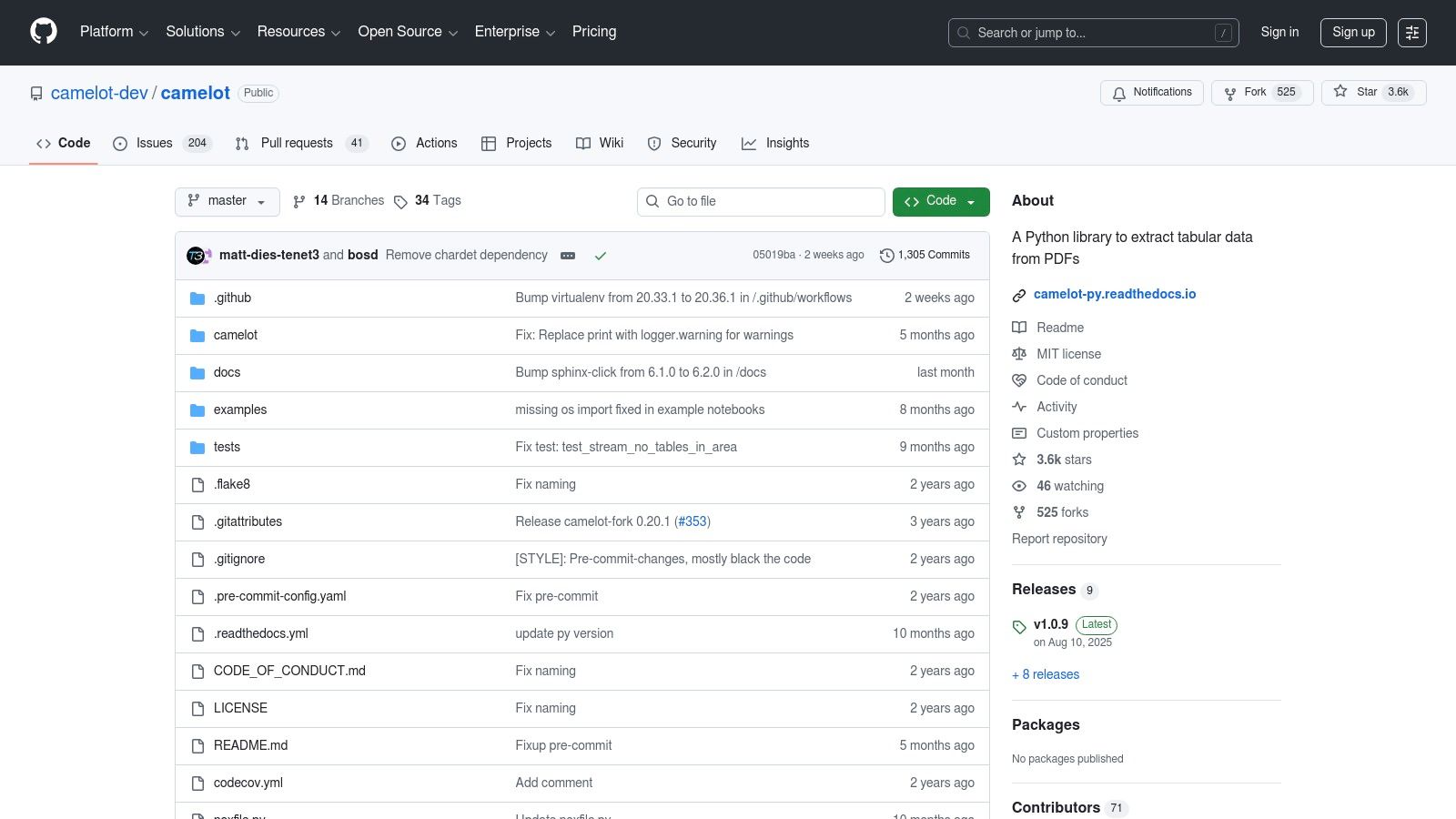
The library provides two parsing methods, "Lattice" and "Stream," which offer flexibility for different table formats. Lattice is ideal for tables with clear grid lines, while Stream handles tables defined by whitespace. This versatility allows developers to fine-tune their extraction strategy to maximize accuracy for a given document type, ensuring that the structured data ingested into a RAG pipeline is clean and contextually correct, leading to better factual retrieval.
Key Features for Improving Retrieval
Camelot's features are purpose-built for converting PDF tables into machine-readable formats that preserve structure for RAG systems.
- Multiple Export Formats: Tables can be exported directly to formats like CSV, JSON, and Markdown. For RAG, converting a table to Markdown is particularly effective as it preserves the structure in a text-based format that LLMs can easily understand, improving the quality of retrieved context.
- Visual Debugging: This standout feature allows you to render the detected table areas directly on a PDF page. This is invaluable for debugging and refining parsing parameters, ensuring your RAG system isn't ingesting incorrectly parsed or incomplete tabular data.
- Fine-Grained Control: Users can adjust parameters to handle multi-page tables and merged cells, giving developers the control needed to build robust ingestion pipelines that capture complex table structures accurately.
While powerful, Camelot works best with digitally-native PDFs and often requires Ghostscript as a dependency, which can add a layer of complexity to environment setup.
Website: https://github.com/camelot-dev/camelot
12. tabula-py (Read the Docs)
The official documentation for tabula-py is an essential resource for developers needing to extract tables from PDFs by leveraging the powerful tabula-java engine from within a Python environment. This library serves as a wrapper, allowing you to convert tables locked inside PDFs directly into pandas DataFrames. For RAG systems, this is a game-changer for ingesting structured financial reports, scientific papers, or any document where tabular data is critical for accurate context. The documentation provides the necessary guidance to integrate this Java-dependent tool into a pure Python workflow.
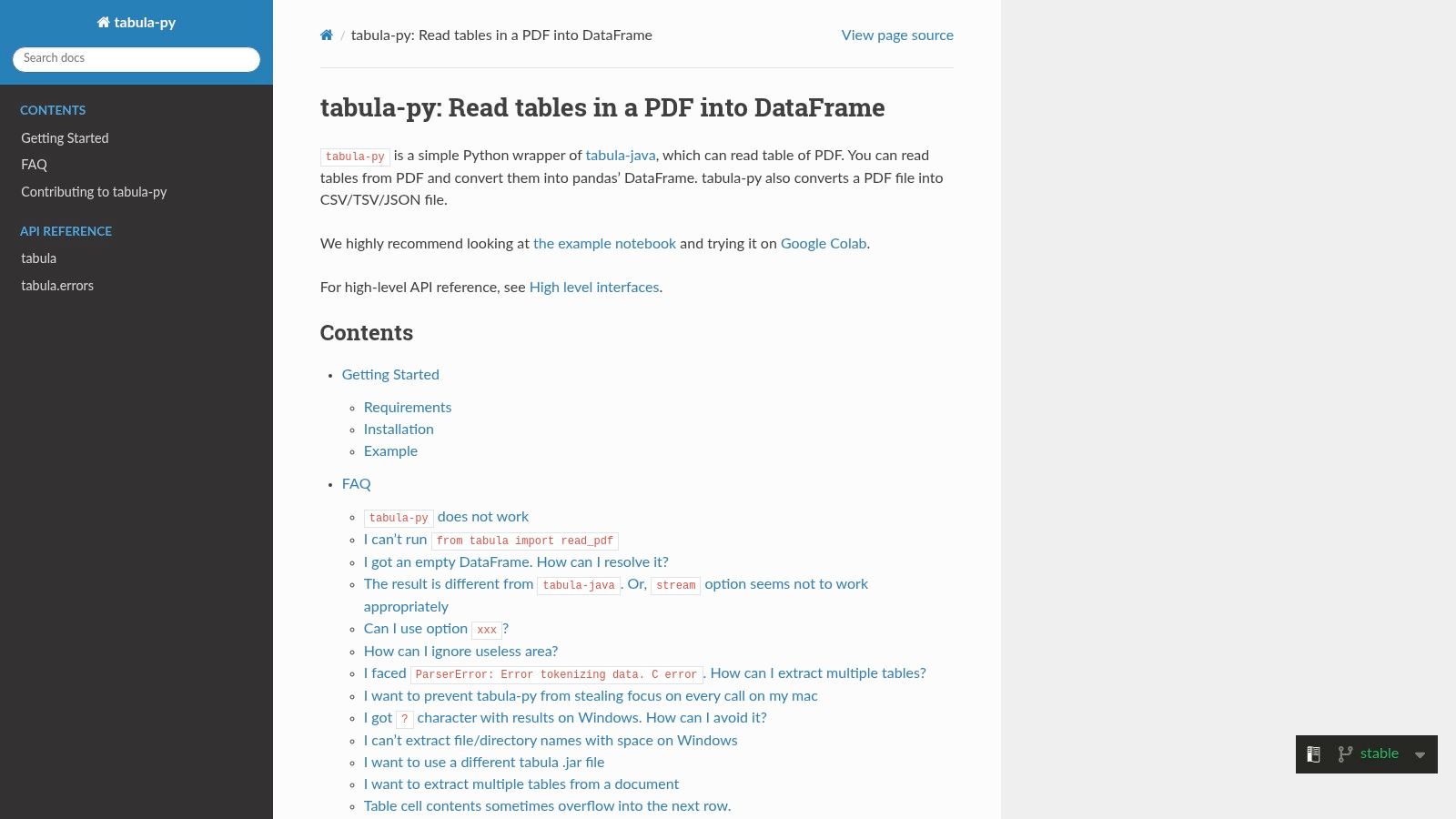
Unlike other native python pdf libraries, tabula-py’s primary dependency is an external Java 8+ runtime. The Read the Docs site is invaluable for navigating this setup, offering clear installation instructions and practical code examples. By abstracting the Java calls, it enables you to treat tabular data extraction as a simple function call that outputs a clean, structured DataFrame ready for serialization (e.g., to Markdown) and ingestion into your RAG pipeline.
Key Features for Improving Retrieval
The documentation clarifies how to leverage tabula-py to preserve the high-fidelity structure of tables, which is often lost with standard text extraction methods.
- Direct to DataFrame Conversion: The core feature is its ability to read PDF tables and return them as pandas DataFrames. In RAG pipelines, this allows you to serialize the table as Markdown or JSON, ensuring the LLM understands the row-column relationships when answering queries, which is vital for factual accuracy.
- Batch Processing: The documentation details how to convert tables from multiple PDFs or all tables within a directory. This is ideal for bulk data ingestion stages in a RAG document processing pipeline.
- Clear Installation Guidance: It provides platform-specific instructions for setting up the Java dependency, a crucial step that is often a point of failure. This ensures a smoother integration into your development environment.
The main drawback highlighted is its reliance on a Java runtime, which adds a layer of complexity to deployment. However, for getting the highest-quality table extractions from digital PDFs, the documentation makes this powerful tool accessible. You can explore a deep dive on this topic by learning more about extracting tables from PDFs for advanced RAG.
Website: https://tabula-py.readthedocs.io/en/stable/
Comparison of 12 Python PDF Libraries
| Product | Core capabilities ✨ | Quality / Usability ★ | Value & Pricing 💰 | Target audience 👥 |
|---|---|---|---|---|
| ChunkForge 🏆 | Multiple chunking strategies, real-time visual overlay, metadata enrichment, drag‑drop resizing | ★★★★★ traceable & easy preview | 💰 $20/mo (5,000 credits ≈500 pages), $4/1k overage, 7‑day trial; open‑source self‑host | 👥 AI/LLM engineers, data & product teams, researchers |
| PyPI | Canonical registry for Python PDF packages; install commands & release history | ★★★ variable by package | 💰 Free registry | 👥 Developers looking for PDF libs |
| Anaconda.org | Prebuilt conda binaries/channels (conda‑forge); cross‑platform builds | ★★★★ stable for teams/CI | 💰 Free/community; commercial channels possible | 👥 Teams & CI engineers |
| pypdf (docs) | Pure‑Python page ops (split/merge/rotate), metadata, basic text extraction | ★★★★ simple & cross‑platform | 💰 Free (BSD‑3) | 👥 Devs needing general PDF manipulation |
| PyMuPDF (MuPDF) | Fast parsing/rendering, robust layout extraction, pro extensions | ★★★★★ high‑performance | 💰 AGPL open‑source; commercial license available | 👥 Production pipelines needing speed & fidelity |
| ReportLab | Programmatic PDF generation (graphics, tables, charts), commercial add‑ons | ★★★★ mature & reliable | 💰 OSS core free; ReportLab PLUS (paid) | 👥 Teams generating templated PDFs at scale |
| pdfplumber (GitHub) | Layout‑aware extraction (text, tables, lines, images), CLI & visual debug | ★★★★ accurate for digital PDFs | 💰 Free (MIT) | 👥 Analysts extracting tables & structured text |
| pdfminer.six | Text & layout extraction (coords, fonts), CLI tools | ★★★ solid foundation | 💰 Free | 👥 Tool builders and integrators |
| pikepdf | QPDF-backed structural editing, repair, encryption, linearization | ★★★★ stable for structural ops | 💰 Free | 👥 Ops/devs preprocessing & repairing PDFs |
| borb | Read/write, layouts, tables, annotations; modern API | ★★★ all‑in‑one | 💰 AGPL (free) / commercial license | 👥 Teams wanting combined gen+extract solution |
| Camelot | Table extraction with exports (CSV/JSON/Excel), visual debugging | ★★★★ purpose‑built for tables | 💰 Free | 👥 Analysts focused on tabular data extraction |
| tabula-py | Wrapper for Tabula Java → pandas DataFrames; batch exports | ★★★ pragmatic for tables | 💰 Free (requires Java runtime) | 👥 Python users needing Tabula engine outputs |
From Parsing to Production: Building Your RAG-Ready Workflow
Navigating the ecosystem of Python PDF libraries can feel like charting a complex map. As we've explored, the journey from a raw, unstructured PDF to a collection of high-quality, retrieval-ready chunks for your RAG system is a multi-step process. There is no single library that reigns supreme for every task; instead, the most effective approach is to build a strategic, multi-tool workflow tailored to the specific challenges your documents present. Your choice of tools directly impacts the fidelity of the information your LLM can access, making this a foundational step in building a high-performing AI application.
Synthesizing the Right Toolchain for RAG
The key takeaway from our deep dive is that a production-grade RAG pipeline often resembles a carefully orchestrated assembly line, not a one-size-fits-all machine. Each library we've discussed brings a unique strength to the table.
- For raw extraction speed and layout preservation, PyMuPDF stands out as a production-grade workhorse, ideal for handling high volumes of documents where understanding the spatial relationship between text blocks is critical for semantic chunking.
- When you need a lightweight, pure-Python solution for basic operations like merging, splitting, or metadata manipulation, pypdf offers an accessible and easy-to-integrate starting point.
- For the intricate challenge of programmatic PDF generation and modification, libraries like ReportLab and borb provide powerful, low-level control, enabling you to create or stamp documents as part of an automated workflow.
- When confronting the crucial task of table extraction, specialized tools are non-negotiable. Camelot and tabula-py are designed specifically for this purpose, offering the best chance to convert structured tabular data into a format that can be effectively indexed and retrieved.
A robust workflow might start with pikepdf to repair a corrupted file, then use PyMuPDF to extract text and image data while preserving reading order, and finally pass specific page regions to Camelot to handle embedded tables. This modular approach ensures you are using the best tool for each distinct sub-problem within the broader challenge of document parsing.
From Code to Cohesive Pipeline: Implementation Considerations
As you begin to assemble your custom parsing pipeline, remember that the code itself is just one piece of the puzzle. Building a maintainable and scalable system requires disciplined engineering practices. A crucial step in building a robust RAG-ready workflow is to understand how to document Python code effectively, ensuring that your use of these PDF libraries is clear and maintainable for future enhancements and team collaboration.
Furthermore, consider the end-to-end lifecycle of your data. Think about error handling for malformed PDFs, logging for traceability, and versioning for your parsing logic. As you integrate these powerful python pdf libraries, your goal is to create a predictable, repeatable process that consistently transforms diverse source documents into a clean, structured, and searchable knowledge base. The quality of this initial parsing and chunking phase will have a compounding effect on the accuracy and relevance of your RAG system's final output. This initial investment in a well-designed pipeline pays dividends every time a user asks a question.
Tired of manually stitching together parsing scripts and struggling with complex chunking logic? ChunkForge provides a unified, visual platform that integrates the power of these top-tier python pdf libraries into a seamless, no-code/low-code workflow. Move from raw PDFs to optimized, RAG-ready knowledge in minutes, not weeks, and see how our advanced chunking strategies can transform your retrieval accuracy at ChunkForge.