
Build a Production-Ready Question and Answer System with RAG
Learn to build a production-ready question and answer system. This guide covers RAG, advanced chunking, metadata, and evaluation for superior performance.
Let's be honest, traditional keyword search just doesn't cut it anymore. Your users expect systems to understand the nuance and intent behind their questions, not just return a list of blue links that happen to contain the words they typed.
This is exactly where a modern question and answer system powered by Retrieval-Augmented Generation (RAG) makes all the difference.
Moving Beyond Simple Search with RAG
RAG bridges the gap between the vast, static knowledge of a Large Language Model (LLM) and the specific, dynamic information locked away in your own documents. Instead of just "guessing" an answer from its pre-trained data, the LLM gets relevant, up-to-date context to work from.
This simple shift in approach dramatically boosts answer accuracy and slashes the risk of "hallucinations"—those confidently incorrect statements that can kill user trust. If you want a deeper dive, check out our complete guide to Retrieval-Augmented Generation.
The whole process boils down to three core stages, as you can see below.
This elegant flow—processing documents, retrieving context, and synthesizing an answer—is the engine that powers a high-performing Q&A system.
Core Components of a RAG System
A RAG pipeline isn't just a single model; it’s an end-to-end workflow designed to turn messy, unstructured data into a reliable source of truth. Getting each component right is the key to building something that actually works.
- Document Processing: This is where it all starts. You take your raw data—PDFs, web pages, text files—and prepare it for retrieval. This involves cleaning the text and, most importantly, breaking it into smaller, meaningful "chunks." Get this wrong, and everything downstream suffers.
- Retrieval: When a user asks a question, the retriever's job is to sift through all those processed chunks and find the most relevant snippets of information. This is usually done with vector embeddings that find semantic similarities between the user's question and your data.
- Synthesis: Finally, the retrieved chunks of context are bundled up and sent to an LLM along with the original question. The model then uses this grounded information to generate a coherent, accurate, and human-like answer.
The core idea of grounding answers in a specific knowledge base isn't new. In fact, it's a principle that has proven effective for decades in AI development.
The foundation for these systems was laid way back in 1961 with BASEBALL, a system that answered simple questions about baseball games. A decade later, the LUNAR system achieved 90% accuracy answering questions about rock samples from the Apollo Moon missions.
This proved that Q&A systems could deliver incredibly reliable performance when constrained to an expert knowledge domain. The underlying principle—that well-structured, domain-specific knowledge is the key to valid responses—is just as critical today as it was then.
By mastering these components, you can build a system that moves beyond simple keyword matching to truly understand and respond to what your users are asking.
Preparing Your Data with Smart Document Chunking
The quality of your retrieval system is largely determined before a user ever asks a question. It all comes down to how you prepare your data, a critical step we call document chunking. This is where you break down massive documents into smaller, more manageable pieces that your retrieval model can effectively search and understand.
Many developers start with a fixed-character split, but this is a blunt instrument that often does more harm than good. This approach can slice sentences in half and tear related ideas apart, creating fragmented, nonsensical snippets. The result? Your retriever fetches irrelevant context, leading to incomplete or nonsensical answers.
To enable high-quality retrieval, you must move beyond simplistic methods and adopt a more strategic approach to how you segment your documents.
Choosing the Right Chunking Strategy
There is no single "best" chunking strategy; the optimal method depends on the structure and nature of your source documents. A technical manual is structured differently from a legal contract, and your chunking logic must reflect these differences to maximize retrieval relevance.
Let's break down a few actionable strategies:
- Paragraph-Based Chunking: This is an excellent starting point. Paragraphs are natural semantic units, typically centered around a single idea. Splitting by paragraphs preserves this inherent structure, keeping related sentences together and providing rich context for the retriever.
- Heading-Based Chunking: For highly structured documents like API documentation or legal agreements, this is a game-changer. Use headings (H1, H2, H3) as boundaries to create chunks that map directly to specific sections. This ensures that retrieved context is cleanly aligned with the document's logical hierarchy.
- Semantic Chunking: This advanced technique uses embedding models to group sentences based on semantic similarity rather than proximity. It's highly effective for unstructured text without clear paragraphs or headings, creating thematically cohesive chunks that are ideal for concept-based queries.
By deliberately choosing the right strategy, you feed your retrieval system clean, meaningful data. This is the bedrock of any high-performing question and answer system.
The quality of a modern question answering system is fundamentally dependent on the quality of its search corpus. While early systems relied on hand-crafted knowledge bases, today's approaches use large, unstructured text corpora. Data redundancy in these collections is actually a major benefit, as information is often phrased in multiple ways, allowing for more robust answer retrieval. This makes smart chunking essential for optimizing the data that LLM-based systems depend upon.
Fine-Tuning Chunk Size and Overlap
Once you’ve selected a strategy, you must tune two key parameters: chunk size and chunk overlap. This is a balancing act between providing sufficient context for the LLM and maintaining precision for the retriever.
Chunk size defines the maximum length of each data segment. Smaller chunks (e.g., 128-256 tokens) are excellent for pinpointing specific facts but risk losing broader context. Larger chunks (e.g., 512+ tokens) retain more context but can introduce noise, diluting the core information. The sweet spot is often a chunk size that encapsulates a complete thought or concept within your documents.
Chunk overlap repeats a small amount of text between consecutive chunks. This is a simple but powerful technique to prevent ideas mentioned at the boundary of a split from being lost. An actionable starting point is an overlap of 10-15% of your chunk size. This ensures a smooth contextual transition between chunks, which is critical for questions whose answers span multiple text segments. For a deeper dive, check out our complete guide to RAG chunking strategies.
Visualizing Chunks for Quality Control
Reading about chunking is one thing, but actually seeing how your document gets chopped up is another. A visual preview is an absolute must for quality control. It lets you spot and fix bad splits before they end up poisoning your vector database.
Here’s what that looks like in a visual chunking studio.

An interface like this shows you instantly how your chosen strategy and parameters are working on your actual documents. You can quickly verify that chunks align with logical blocks of content and that no critical information is getting awkwardly cut off. This cycle of chunking, visualizing, and refining is what separates a mediocre system from a truly production-ready one.
Boosting Retrieval Accuracy with Metadata
Plain text chunks are the foundation of any question-and-answer system, but they have one massive weakness: they lack context. A chunk of text floating in your vector database has no idea where it came from, who wrote it, or why it matters. This is where metadata enrichment gives you a serious advantage.
By attaching structured information to each chunk, you empower your retrieval system to perform more intelligent, targeted searches. It's one of the most effective, actionable ways to improve retrieval performance in a RAG pipeline.

Adding Contextual Layers to Your Chunks
Think of metadata as a set of helpful labels that give your retrieval system the inside scoop on what’s in each chunk. You can generate this info automatically or define it manually, creating multiple layers of context.
Two of the most powerful types of generated metadata are summaries and keywords. For example, you could fire up a smaller, faster LLM to read every chunk and spit out a one-sentence summary. This summary becomes a high-level overview, helping the retriever quickly figure out a chunk's main idea without processing the full text.
Similarly, extracting keywords gives you a set of concise terms that nail down the main subjects. These are gold for systems that blend modern semantic search with old-school keyword matching.
By enriching your data with these contextual layers, you're no longer just searching over raw text. Instead, your question and answer system can perform more intelligent lookups, matching user intent to chunk summaries, keywords, and the full text simultaneously.
Implementing Structured Filtering with Custom Schemas
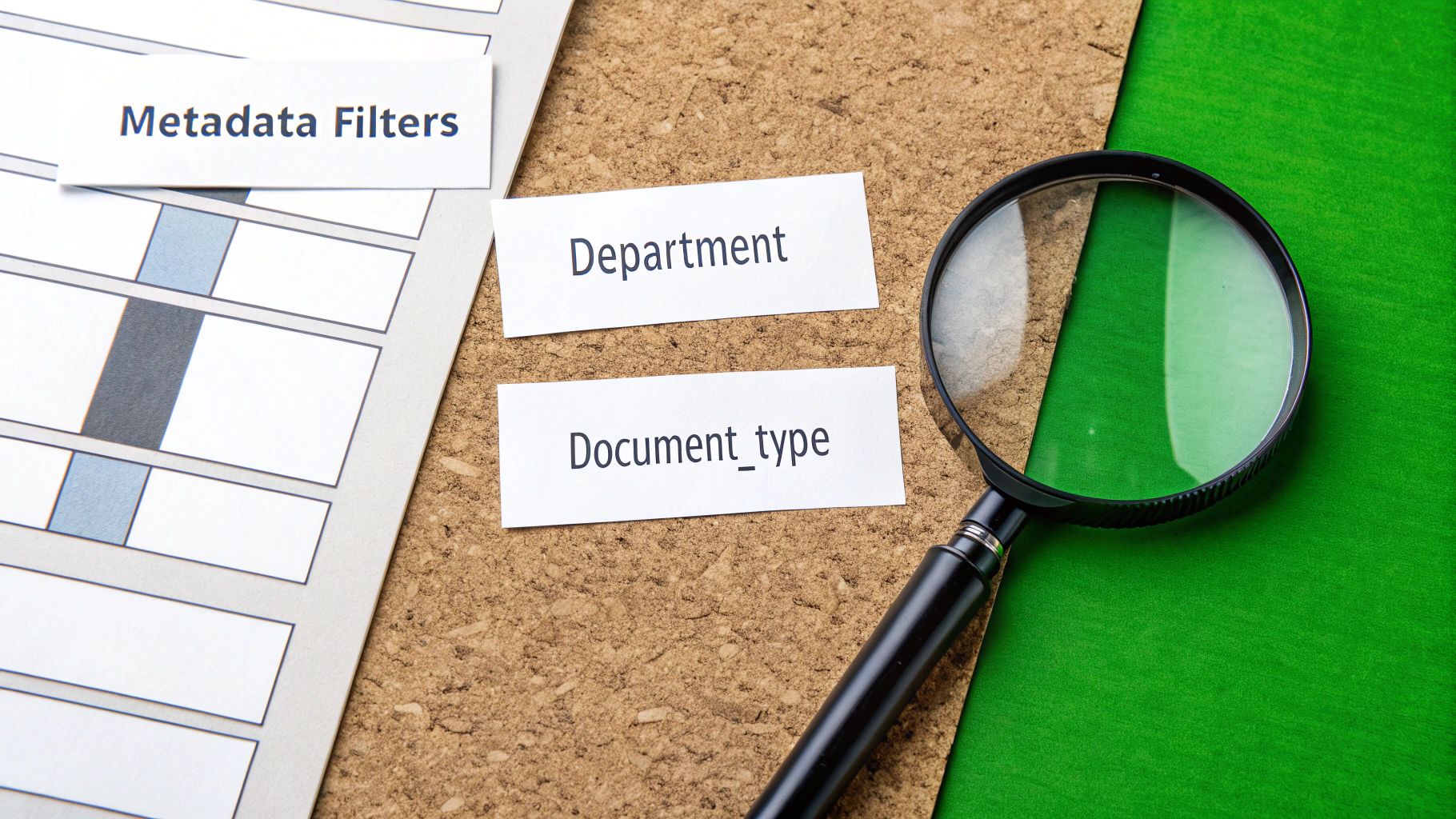
While summaries add descriptive flavor, the real retrieval power comes from applying a structured JSON schema to your metadata. This allows you to tag each chunk with specific, queryable attributes, enabling powerful pre-filtering before the vector search even begins.
This technique dramatically shrinks the search space, forcing the retriever to only consider the most relevant subset of your knowledge base. This reduces noise, improves speed, and delivers cleaner, more accurate results.
Consider a corporate knowledge base. You could define a simple schema like this:
department: (string) "HR", "Engineering", "Legal"document_type: (string) "policy", "tutorial", "meeting_notes"last_updated: (date) A timestamp of the last modificationsecurity_level: (integer) An access control number, e.g., 1 for public, 5 for confidential
With this schema, a query like "What is the policy on remote work for engineers?" becomes far more efficient.
The retrieval system would first filter the entire knowledge base to only include chunks where department is "Engineering" and document_type is "policy." Only then would it perform a vector search across that much smaller, highly relevant subset. This two-step filter-then-search process is a cornerstone of building a scalable and accurate question and answer system.
As data environments get more complex, this becomes even more critical. To learn more about how this works in evolving data sets, check out this article on the importance of active metadata for BI. It’s a great way to ensure your system stays sharp as your knowledge base grows.
Choosing Your Vector Database and Retriever
Okay, you've done the hard work of chunking your documents and enriching them with metadata. Now it's time to make all that data searchable. This is where the vector database and the retriever step in, forming the real engine of your Q&A system.
Your choices here directly dictate the speed, accuracy, and scalability of your retrieval process. A vector database is not just storage; it's a specialized system designed for one purpose: finding the most similar vectors to a query, and doing it blindingly fast.
Selecting the Right Vector Database
When evaluating vector databases, focus on the features that directly impact retrieval performance in a production environment.
Here are the critical factors to evaluate:
- Query Latency: How fast does it return results? For a real-time system, you need millisecond-level responses. Test this with your own data, not just vendor benchmarks.
- Scalability: Can the database handle growth from thousands to millions of documents without performance degradation? Look for proven horizontal scaling capabilities.
- Metadata Filtering: This is non-negotiable for advanced retrieval. Your database must support efficient pre-filtering on metadata. The ability to narrow the search space before the vector search is a massive performance and relevance win.
- Cost and Management: Do you prefer a managed service or self-hosting? Managed options like Pinecone or Weaviate Cloud reduce operational overhead, but self-hosting can be more cost-effective at extreme scale.
Don't get bogged down in the alphabet soup of indexing algorithms like HNSW and IVF. The key takeaway is that they all make a trade-off between search speed, accuracy, and memory usage. Your job is to pick a database that lets you tune these parameters to fit your specific needs.
For example, HNSW (Hierarchical Navigable Small World) is famous for its speed and accuracy but can be a memory hog. On the other hand, IVF (Inverted File) often uses less memory but might be a fraction slower. The right choice depends entirely on your performance budget.
Configuring Your Retriever for Maximum Relevance
The retriever is the component that queries your vector database. A poorly configured retriever can undermine all your data preparation efforts. For the best results, advanced systems rarely rely on a single retrieval method, instead opting for a hybrid approach.
If you want to dive deeper into how different databases stack up, you can learn more about selecting a LangChain vector store in our other guide.
Combining Dense and Sparse Retrieval
Modern retrieval isn't just about semantic similarity. A user's query might contain a specific keyword, product ID, or acronym that requires an exact match. This is where a hybrid retrieval strategy is indispensable for maximizing relevance.
- Dense Retrieval (Vector Search): This method uses embeddings to find chunks that are conceptually similar to the user's question. It excels at understanding user intent even when the exact phrasing differs.
- Sparse Retrieval (e.g., BM25): This is a powerful, keyword-based algorithm. It excels at finding documents that contain the exact terms from the query, making it highly effective for queries with specific jargon, names, or codes.
By combining the results from both—a technique called hybrid fusion—you get the best of both worlds. The dense retriever finds conceptually related information, while the sparse retriever ensures you don't miss critical keyword matches. This dual-pronged strategy is a hallmark of a robust and production-ready question and answer system, dramatically improving the chances of retrieving the most relevant context.
Crafting Prompts That Actually Work
Getting the right data chunks to your Large Language Model (LLM) is a huge win, but the job’s not done. Now comes the final, crucial step: telling the model exactly what to do with that context to generate a coherent, accurate, and trustworthy answer. This is where the art of prompt engineering really shines.
Your prompt is more than just a question. Think of it as a set of precise instructions that puts guardrails on the LLM's behavior. A lazy prompt invites the model to ignore your carefully retrieved context, dip back into its own internal (and often outdated) knowledge, and hallucinate with confidence.
A great prompt, on the other hand, keeps the model grounded, honest, and genuinely helpful.
Prompting for Groundedness and Honesty
The number one goal of a RAG prompt is to force the LLM to base its answer exclusively on the information you provide. You have to be direct and explicit, leaving zero room for interpretation.
Here are a few instructions that are non-negotiable for a production-ready system prompt:
- Cite Your Sources: Demand that the model references which context chunks it used to build the answer. This is massive for user trust and makes the answer’s origin completely traceable.
- Admit When You Don't Know: This one is your best defense against hallucinations. Add a clear fallback command like, "If the provided context doesn't contain the answer, just say you don't know. Do not try to answer using outside knowledge."
- Define the Persona: Tell the model how to answer. Is it a friendly assistant? A formal subject matter expert? Defining the tone keeps your question and answer system consistent.
A well-structured prompt is basically a contract between you and the LLM. It sets clear expectations, defines what a successful answer looks like, and tells the model what to do when it can't deliver.
Building a Framework for Evaluation
So, how do you know if your prompts—and your entire RAG pipeline—are actually any good? "Looks good to me" isn't going to cut it. You need a solid evaluation framework built on hard metrics and a standardized test set.
If you want to go deeper on structuring your data and prompts for the best possible clarity, the principles of breaking down context engineering are a great place to start.
For RAG systems, there are three metrics that matter most:
- Faithfulness: Does the generated answer stick strictly to the script of the provided context? This is your primary weapon against hallucinations. An answer gets a low faithfulness score if it injects any information not found in the source chunks.
- Answer Relevancy: How well does the answer actually address the user's question? It’s entirely possible for an answer to be faithful to the context but completely miss the point of the original query.
- Context Recall: Did your retriever even find the right information in the first place? This metric stress-tests the retrieval step, telling you if the context passed to the LLM was sufficient to begin with.
Creating Your "Golden Dataset" for Testing
To measure these metrics systematically, you need what we call a "golden dataset." This is a hand-curated collection of question-answer pairs that mirrors the real-world queries your system will face. This dataset becomes your ultimate benchmark.
Putting one together involves a few manual steps, but it's worth the effort:
- Collect Representative Questions: Gather a diverse set of questions that span the full scope of your knowledge base.
- Find the Perfect Context: For each question, go into your documents and manually pull the exact text chunks that contain the right information.
- Write the "Golden" Answer: Based only on the context you just identified, write the ideal answer for each question.
Once you have this dataset, you can run automated tests every time you tweak a component of your question and answer system—whether it's the chunking strategy, the retriever, or the prompt itself. By comparing the system's output against your golden answers, you can objectively measure improvements and catch regressions before they ever reach your users.
Common Questions on Building Your Q&A System
When you move from a theoretical RAG model to a production-grade application, a lot of practical questions pop up. The small details you overlook during design can quickly become major bottlenecks. This section tackles the most common challenges and sticking points engineers face when building a real-world question and answer system.
The answers below come from our hands-on experience building and deploying these systems. It's direct, actionable advice to help you avoid common pitfalls and get your system performing well from day one.
<iframe width="100%" style="aspect-ratio: 16 / 9;" src="https://www.youtube.com/embed/_ZvnD73m40o" frameborder="0" allow="autoplay; encrypted-media" allowfullscreen></iframe>What Is the Biggest Mistake to Avoid?
The single biggest mistake is neglecting the quality of your retrieval pipeline. It's tempting to focus on the LLM or prompt engineering, but if the retriever fails to find the correct context, the rest of the system is irrelevant. "Garbage in, garbage out" is absolute in RAG.
If your chunks are poorly segmented, lack meaningful metadata, or your retrieval strategy is simplistic, even the most advanced LLM will fail. Spend the majority of your time optimizing the data preparation and retrieval steps. This focus will provide the highest return on investment for improving your system's accuracy.
How Do I Choose the Right Chunk Size?
There's no universal "best" number here. The optimal chunk size is a function of your document structure and content type. A good starting point is to align chunks with natural semantic boundaries, like paragraphs, while staying within your embedding model's context window.
Actionable advice: experiment and measure. Try a few strategies and test their impact on retrieval quality:
- For dense technical content, smaller chunks of 128-256 tokens with some overlap can effectively isolate specific facts and definitions.
- For narrative documents like reports, larger chunks of 512+ tokens are often better to preserve the broader context and argumentation.
Always visualize your chunks on actual documents. This is the only way to confirm if your strategy is creating logical, self-contained units of information that will be useful for retrieval.
The key is to test which approach yields the most relevant context for a sample set of questions that represent what your users will actually ask.
How Can I Handle Questions Without an Answer?
This is a critical step for production readiness, and it’s managed at the final answer synthesis stage. Your prompt to the LLM absolutely must include an explicit fallback instruction. This is non-negotiable if you want to build a trustworthy question and answer system.
For example, add a clear directive to your system prompt. Something like: "If the provided context does not contain the information needed to answer the question, state that you do not have enough information. Do not use any external knowledge."
This simple instruction is your primary defense against the LLM hallucinating. It's what keeps your system a trusted source for your specific knowledge base, not the entire internet.
Should I Use a Hybrid Retriever?
For most production systems, the answer is a definitive yes. While pure vector search is excellent for semantic understanding, it can struggle with queries that rely on specific keywords, product codes, acronyms, or names.
This is where a hybrid approach provides a clear advantage. By combining dense vector search with a sparse retrieval method like BM25, you almost always achieve more robust and relevant results.
BM25 excels at keyword matching, while the dense retriever captures conceptual similarity. By fusing the results from both, you create a retrieval system that is both semantically aware and precise. For any serious question and answer system, a hybrid retriever should be your default strategy for improving retrieval relevance.
Ready to stop wrestling with messy documents and start building a better question and answer system? ChunkForge provides a visual studio to chunk, enrich, and export your data for any RAG pipeline. Experiment with chunking strategies in real time, apply rich metadata filters, and ensure every chunk is perfectly optimized for retrieval. Start your free trial today at chunkforge.com.